 NEWCollect 38 hats for your pet
Your desktop has a pet now.
Pawse is a tiny anime-style cat, dog, panda, hamster or one of four more friends living on your screen. It watches your cursor, types along with you, and cheers when your AI agent finishes.
- Free forever
- Fully local
- No telemetry
- macOS & Windows
Move your mouse: all eight pets follow your cursor. Click one to pet it!
- Claude Code
- Cursor
- Codex
- Continue

Meet Pawse in 37 seconds.
It watches your cursor, purrs when you pet it, types along with you and cheers on your AI agent. Here is how to play with it.
Eight little personalities.
Each one has its own moods, quirks and reactions. Switch any time from the tray menu.
Cat
SweetA fluffy cream kitten that melts into every head pat and purrs along while you work.
- Blissful purrs
- Slow blinks
- Grooming
Tiny pet. Big reactions.
Every tile below is the real animation from the desktop app, running live.
Reacts to your AI agent
Pawse notices when Claude Code, Cursor, Codex or Continue is running, and gives an unbothered yawn the moment it finishes.
Snack break
The panda munches bamboo through long AI tasks, then claps when they're done.
Cursor tracking
Eyes follow your mouse like it owes them money.
Typing reaction
Every keystroke taps a paw on its tiny keyboard.
Overheat mode
Sustain 80+ WPM and things get dramatic.
WPM wheel
The hamster's wheel spins at your actual words per minute. Push it hard enough and it catches fire.
Stretch reminder
Every 30 min to 1.5 h, with a guided one minute routine your pet does with you.
Focus timer
25 minutes of focus, then a break. The countdown sits right under your pet.
Your own reminders
Water, posture, meds, a meeting at 3. Set a time or an interval and your pet pops up a card right on time. You can snooze it, too.

Collect hats
Typing, petting, focus sessions and stretches earn paws. Every 2,000 paws a gift box pops up with one of 38 hats, from Common to Legendary.
Levels, streaks and stats
Your pet levels up with you. See today's keystrokes, top speed and focus time, with a streak that never punishes a missed day.
- Name your pet
- Dog fetch mini-game
- Lives in the tray / menu bar
- Send feedback from Settings
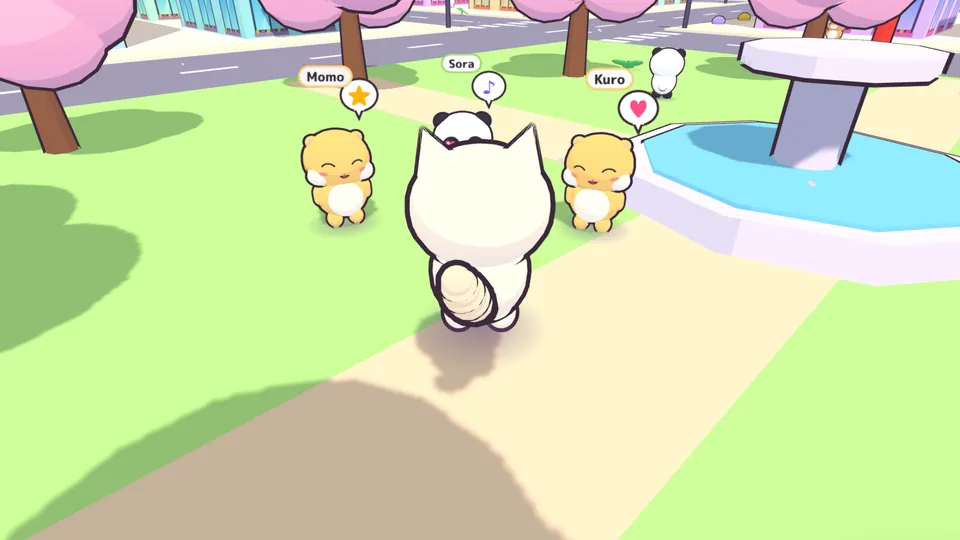
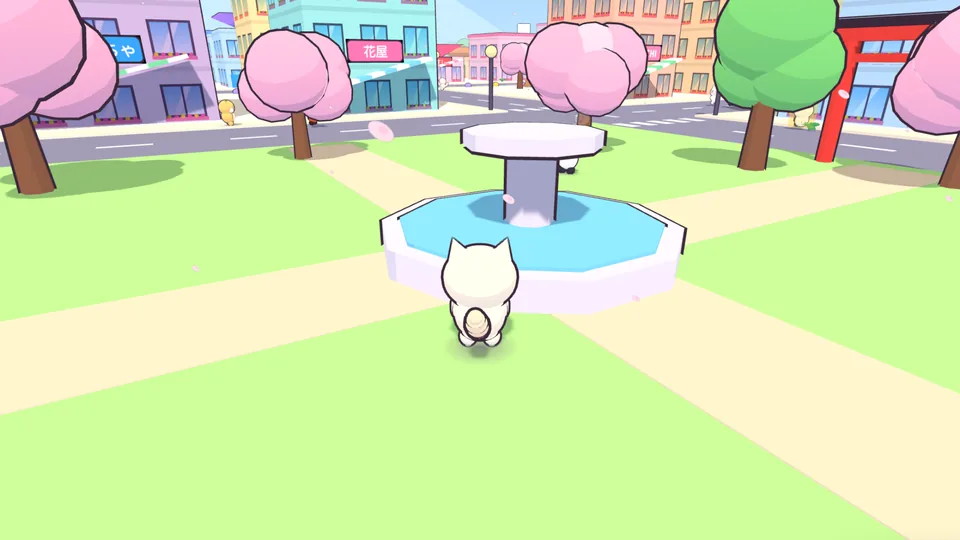
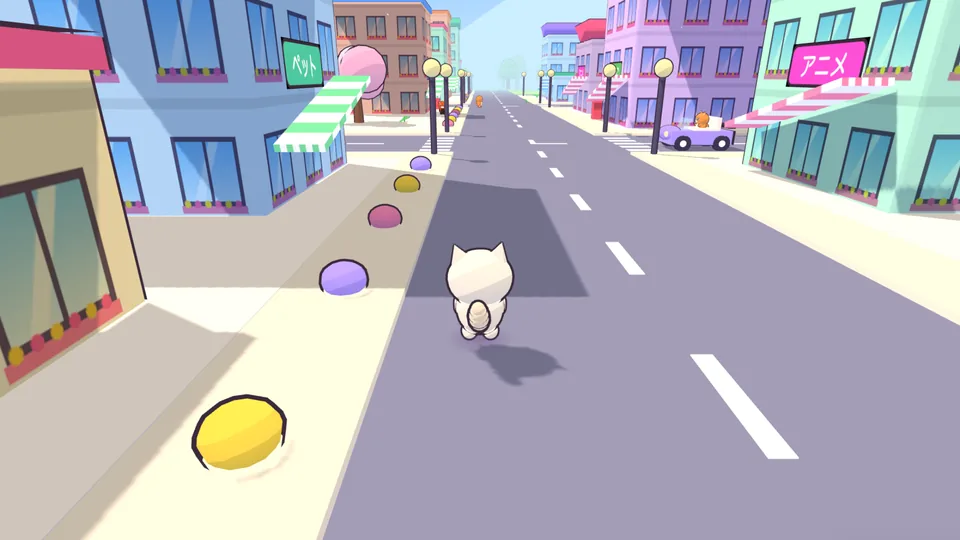
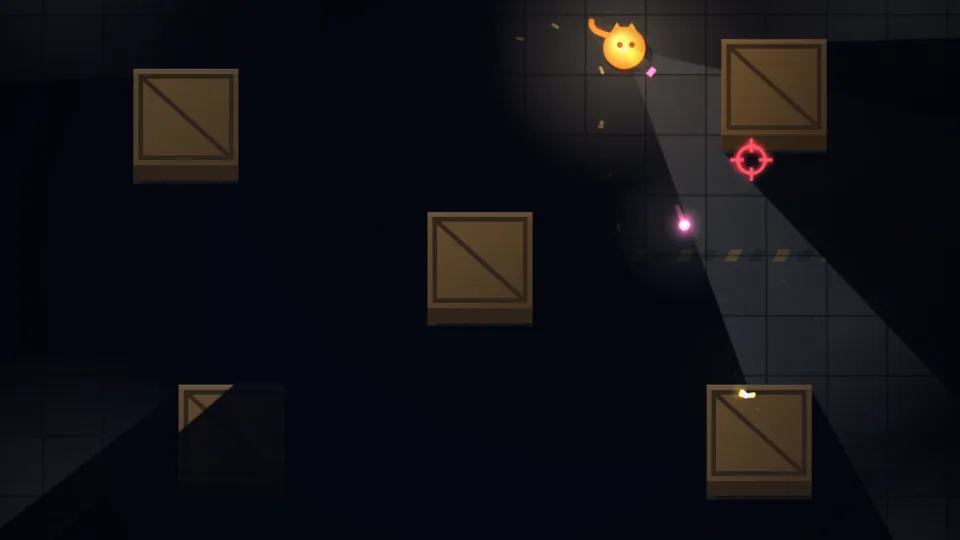
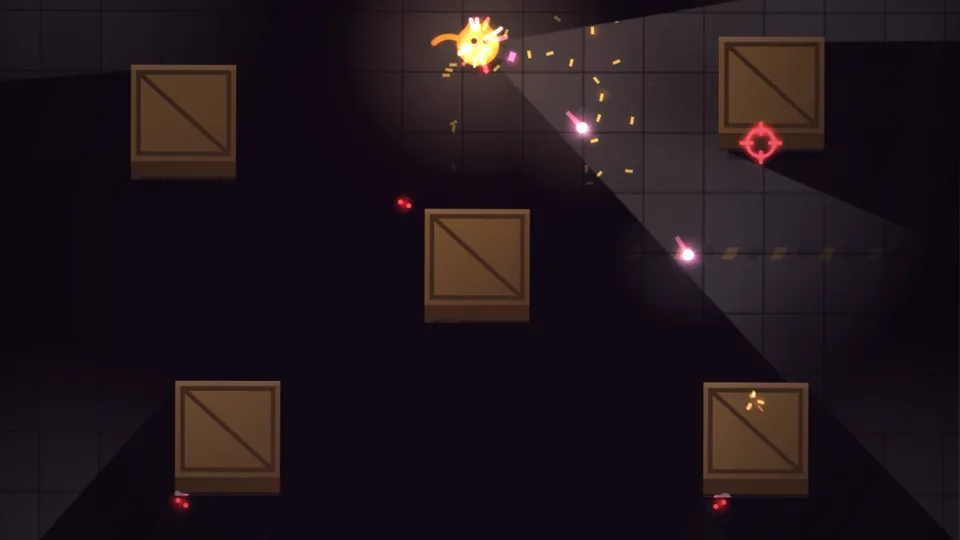
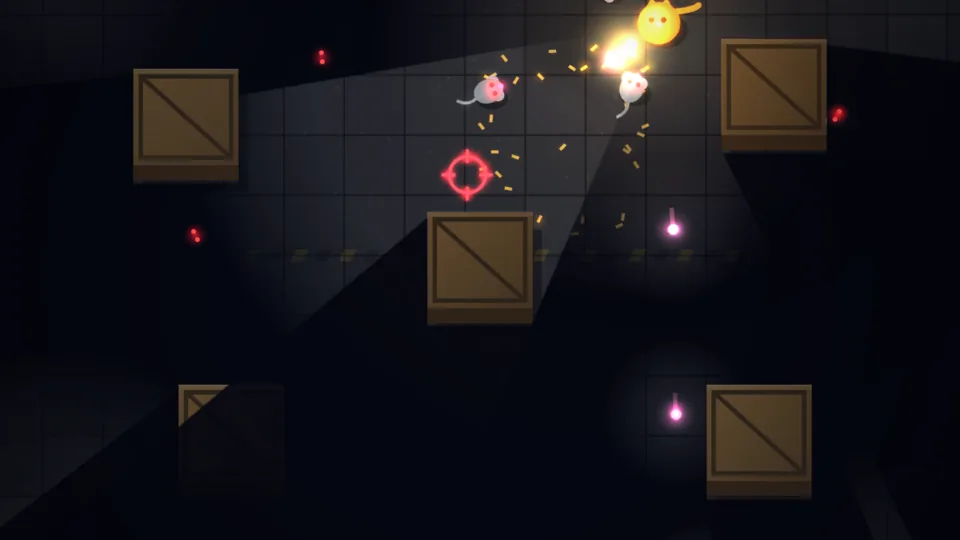
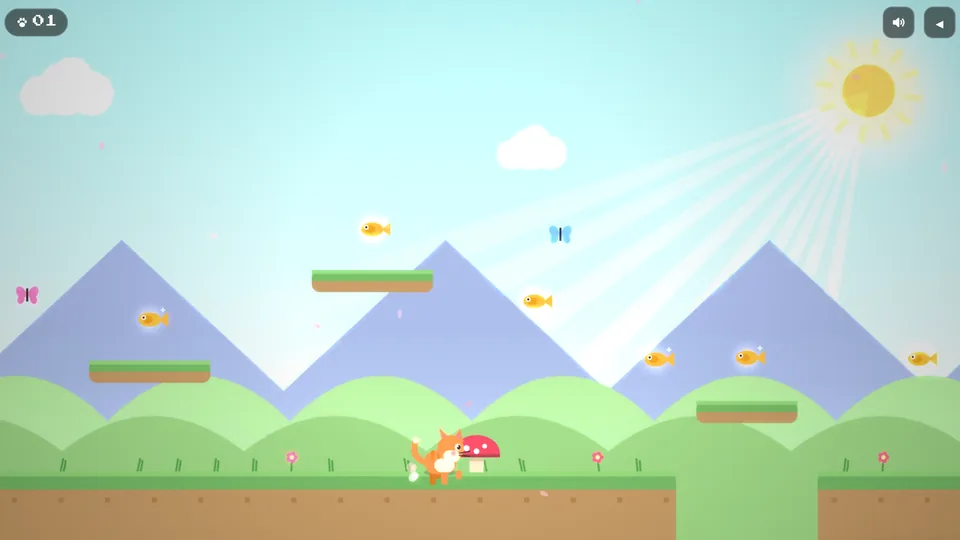
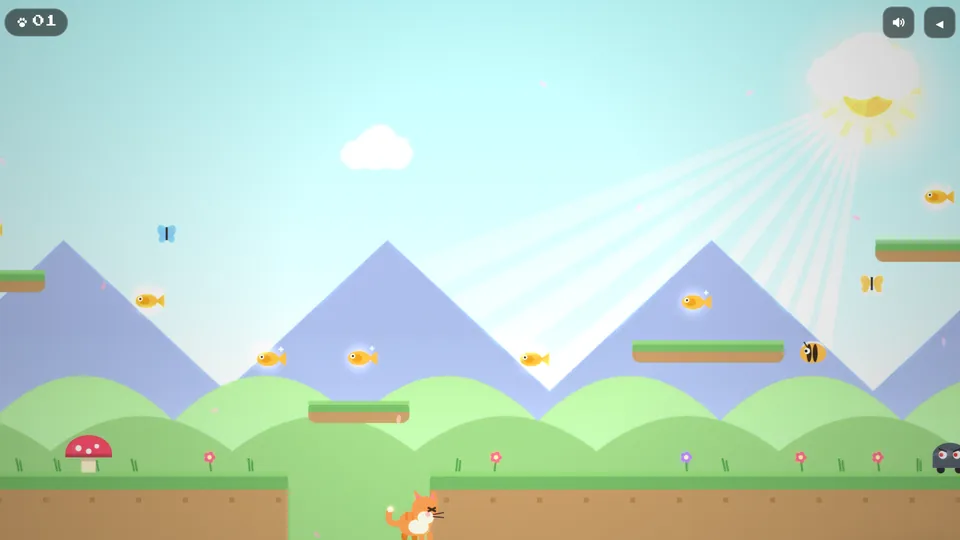
A free cat arcade. Right here.
Free browser games, no download needed. Perfect for when your agent is still thinking.




Pawse is free. Plus makes it extra cute.
A one-time purchase from $4.99, yours forever. It unlocks:
- 7 Plus hats for every pet: a Golden Paw Crown, a Tiny UFO, a Witch Hat, a Fox Mask and more
- Every Plus hat added later, at no extra cost
- Code signing, new pets and Linux builds, paid for by Plus
 Everything else in Pawse stays free, with no ads and no subscription.
Secure checkout via Razorpay · international cards
Adopt your pet.
Free · v0.5.0 · Sign in with Google to download · Fully local, no telemetry.
How to install
- Open the downloaded
.dmgand drag Pawse into Applications. - First launch only: right-click Pawse → Open, then Open again (it isn’t notarized yet, so a double-click is blocked).
- Grant Accessibility permission when asked (System Settings → Privacy & Security → Accessibility) so your pet can react to your cursor & typing. Relaunch.
- Your pet appears. Right-click it (or the menu-bar icon) for settings & to switch animals.
The “unidentified developer” / SmartScreen prompts only mean the builds aren’t code-signed yet. Pawse is safe, fully local, with no telemetry.
Is Pawse really free?
Yes. No subscription, no ads. You only sign in with Google to download it. If you like it, the optional Pawse Plus (a one-time purchase from $4.99) unlocks 7 extra hats for your pets. Every other feature stays free.
Does it log what I type?
No. Pawse only counts keystrokes to drive the typing animation and WPM wheel. It never records which keys you press. It has no telemetry, and it only goes online when you choose to send feedback.
Why does macOS ask for Accessibility permission?
macOS requires it for any app that listens to global mouse and keyboard activity. Pawse uses it so your pet can follow your cursor and react when you type.
Which AI agents does it notice?
Claude Code, Cursor, Codex and Continue. Your pet keeps you company while an agent works and celebrates when it finishes.
Why do I see an “unidentified developer” or SmartScreen warning?
The builds aren’t code-signed yet. On macOS, right-click → Open the first time; on Windows, choose More info → Run anyway.
Which systems are supported?
macOS on Apple Silicon (M1–M4) and 64-bit Windows. The browser arcade works on any device, including phones.